You build an app to collect something. RSVPs for an event. Daily mood check-ins. Orders for your weekend bake sale. Then comes the awkward part: where does all that information actually go?
Until now, the honest answer was "somewhere you'd have to wire up yourself." A spreadsheet meant gluing together a webhook, a Zapier account, and a lot of hoping. Most people gave up and the data lived nowhere they could use it.
Starting today, your Envelope app can write straight into a Google Sheet you own. You connect it once. After that, every entry your app collects shows up as a new row in a spreadsheet you can open, sort, filter, and share like any other.
How it works
When you're building an app that should save data, just ask for it: "make a mood tracker that saves to Google Sheets." Claude builds the form and wires it to the sheet.
Then, right in the chat, Envelope prompts you to Connect Google Sheets (it's in the Configure tab too):
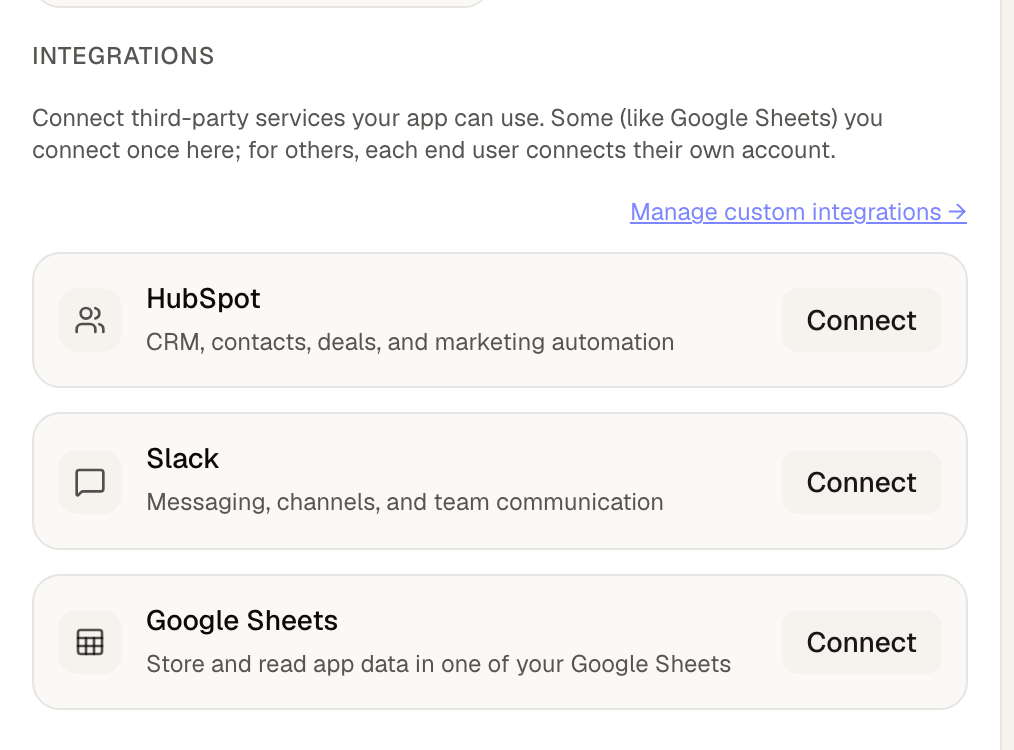
- Click Connect and sign in with your Google account.
- That's it. Envelope makes a fresh spreadsheet in your Google Drive for this app, and your app starts adding rows as people use it.
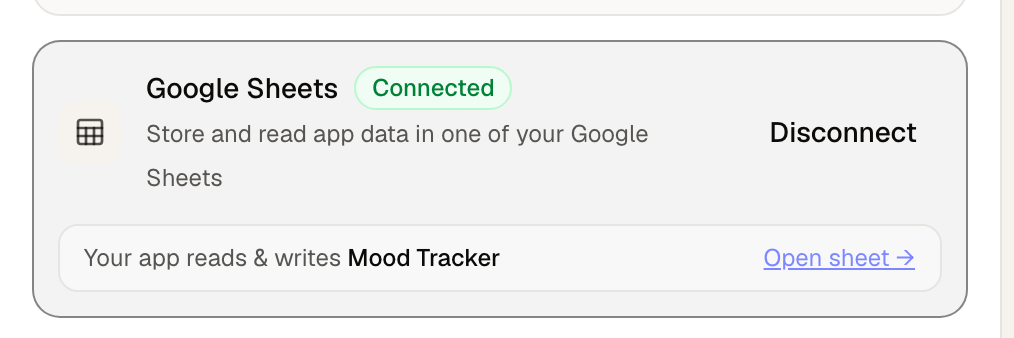
Once it's connected, Envelope shows you exactly what's wired up, with an Open sheet link so your spreadsheet is always one click away.
What this is good for
Anything where you want a running list you can actually work with:
- Signups and waitlists: names and emails collected into a tidy sheet.
- Trackers: mood, habits, workouts, expenses, one row per entry with a timestamp.
- Orders and RSVPs: who wants what, in a format you can sort and total.
- Feedback and forms: responses you can read through and filter without copying and pasting.
Your data, ready to analyze
This is the part that makes a spreadsheet better than a database you can't reach: once the data is collecting, it's yours to slice however you like. You're not locked into whatever view the app shows.
Build a pivot table to see which day of the week people log their best moods, or which product sells most by month. Chart the trend over time. Write a quick formula to total your orders or average your ratings. Filter down to a single customer, sort by date, or download the whole thing as a CSV to dig into somewhere else. Drop in a chart and share a link with a teammate.
The app collects the raw entries. The spreadsheet is where you turn them into answers, using tools you already know.
The part we made sure to get right
Two things mattered to us here.
Your customers never see any of this. They open your app and use it. They don't sign into Google, they don't see a permission screen, they don't know a spreadsheet exists. The connection is yours, set up once, shared quietly behind the scenes.
We only touch the sheet we made for you. When you connect Google, Envelope asks for the narrowest possible access: it can only see and edit the spreadsheet it created for your app. It can't read the rest of your Drive. Nothing else in your Google account is on the table.
Try it
Open the builder and describe an app that collects something, like a sign-up form, a check-in, or a simple log, and add "and save it to Google Sheets." Connect your Google account when Envelope prompts you, and watch the rows appear as you test it.
The information your app gathers finally has a home, and it's one you already know how to use.